Shop pack
Cabinet cut list software your saw operator can cut from
Release the job and print the cut list, sheet layouts, elevations, assembly sheets and labels. Every sheet comes from the design that was sold.
See it on real jobs: eight sample shop packs with elevations, sheet layouts and cut lists.
Cut list and sheet layouts
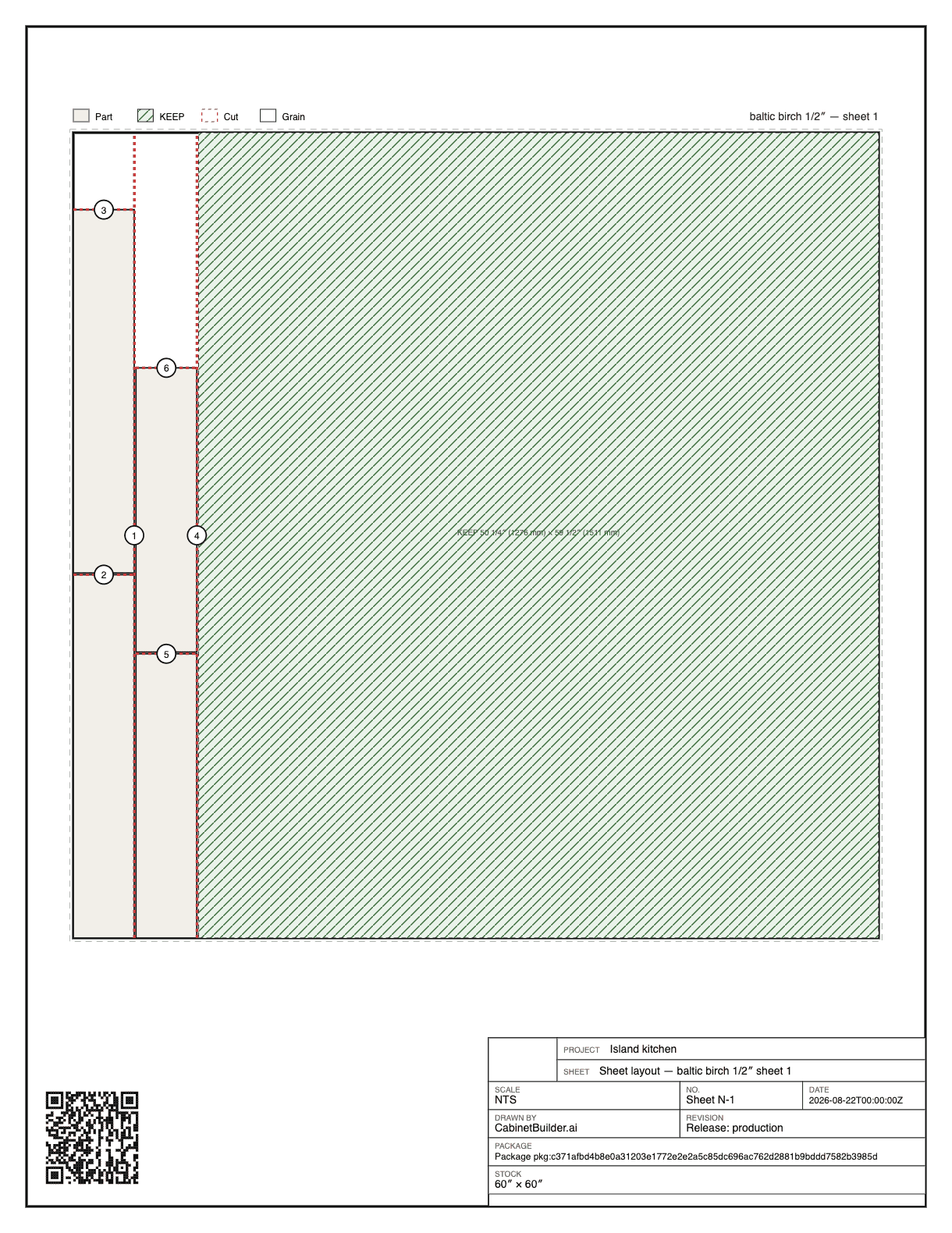
Every part is numbered, dimensioned and grouped by material. Parts nest on stock of their own thickness, with kerf and grain direction accounted for, so the sheet count is the sheets you buy.
Elevations and assembly sheets
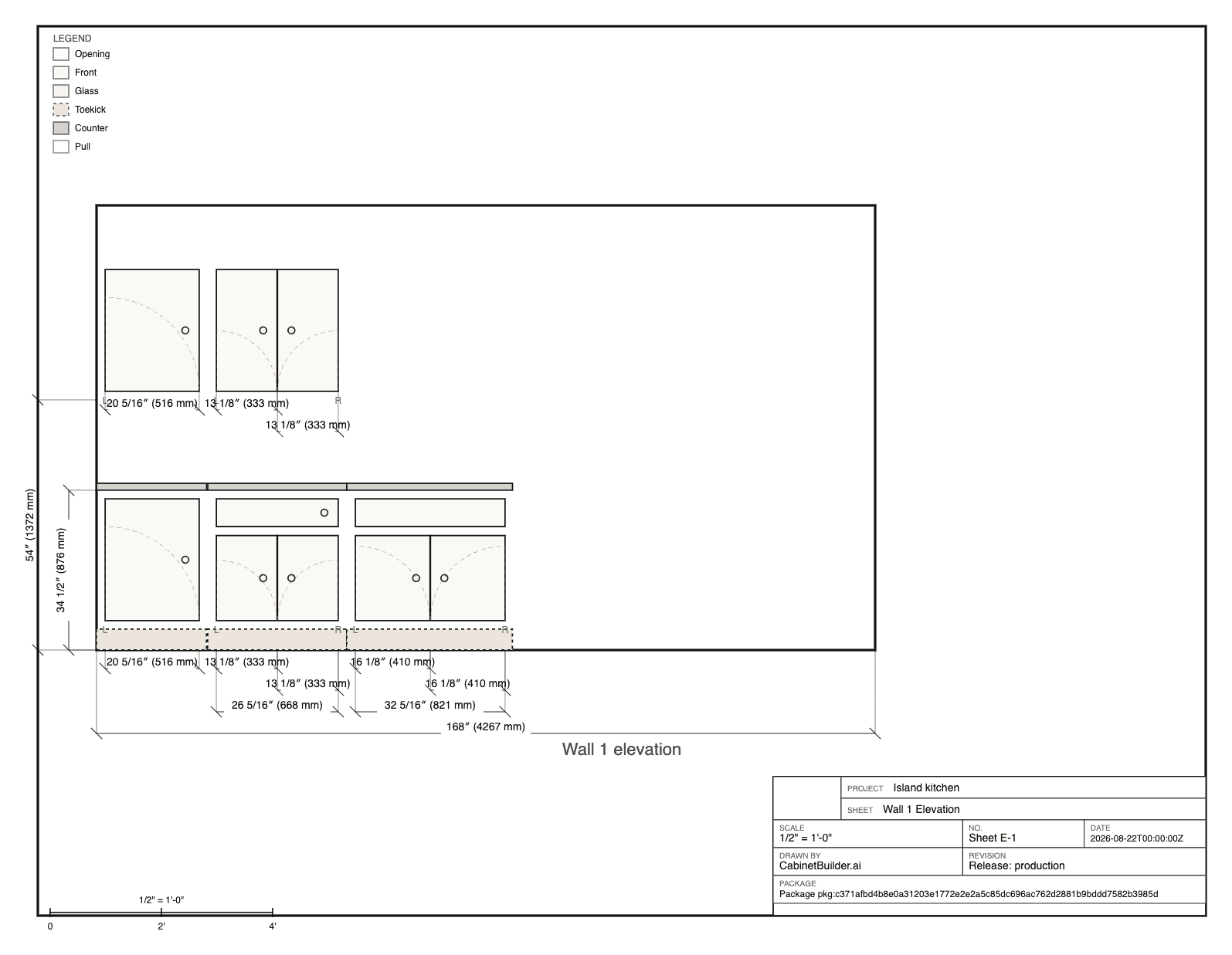
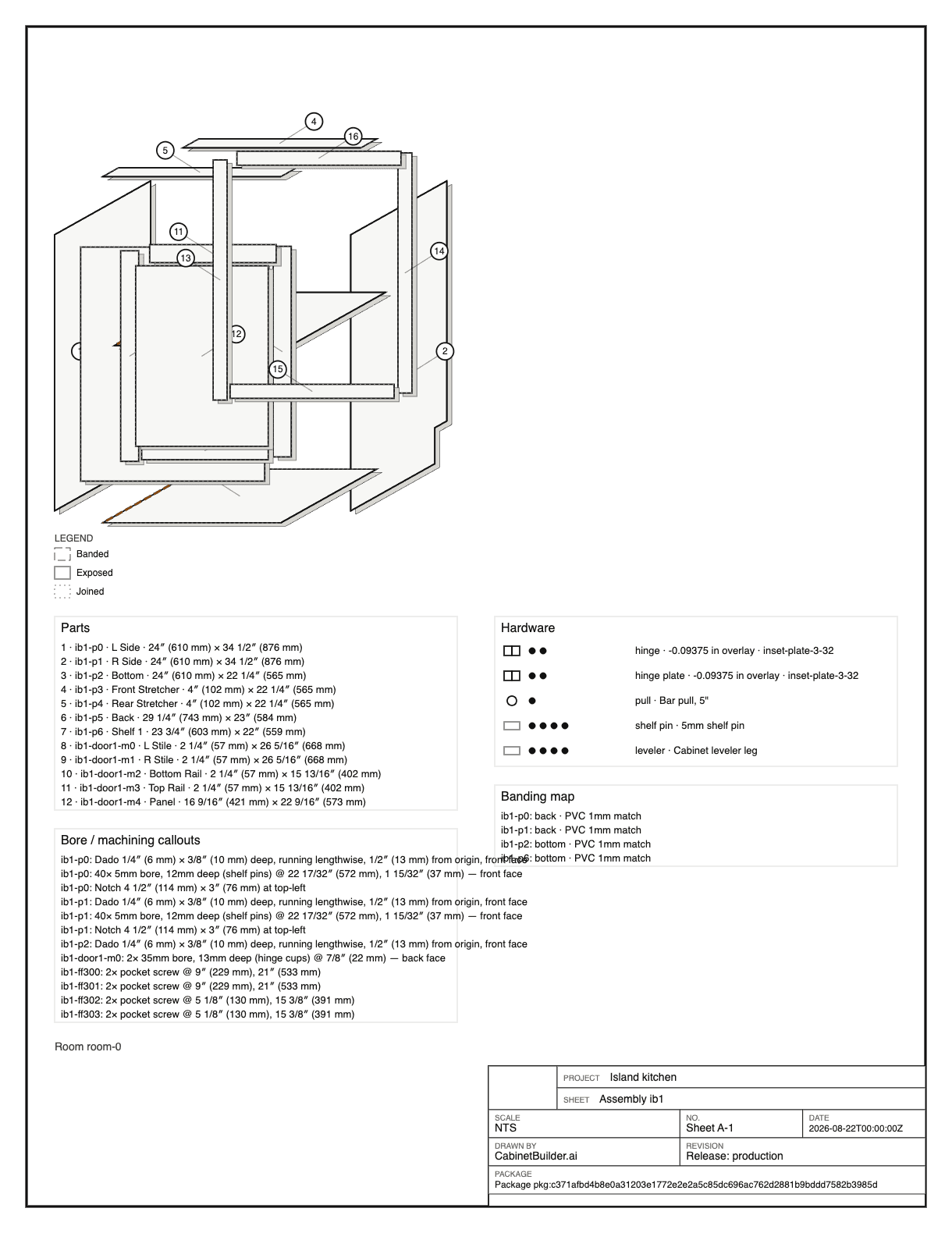
Elevations print at the scale they state, with the dimensions the installer needs. Assembly sheets walk each cabinet from parts to box.
A label for every part
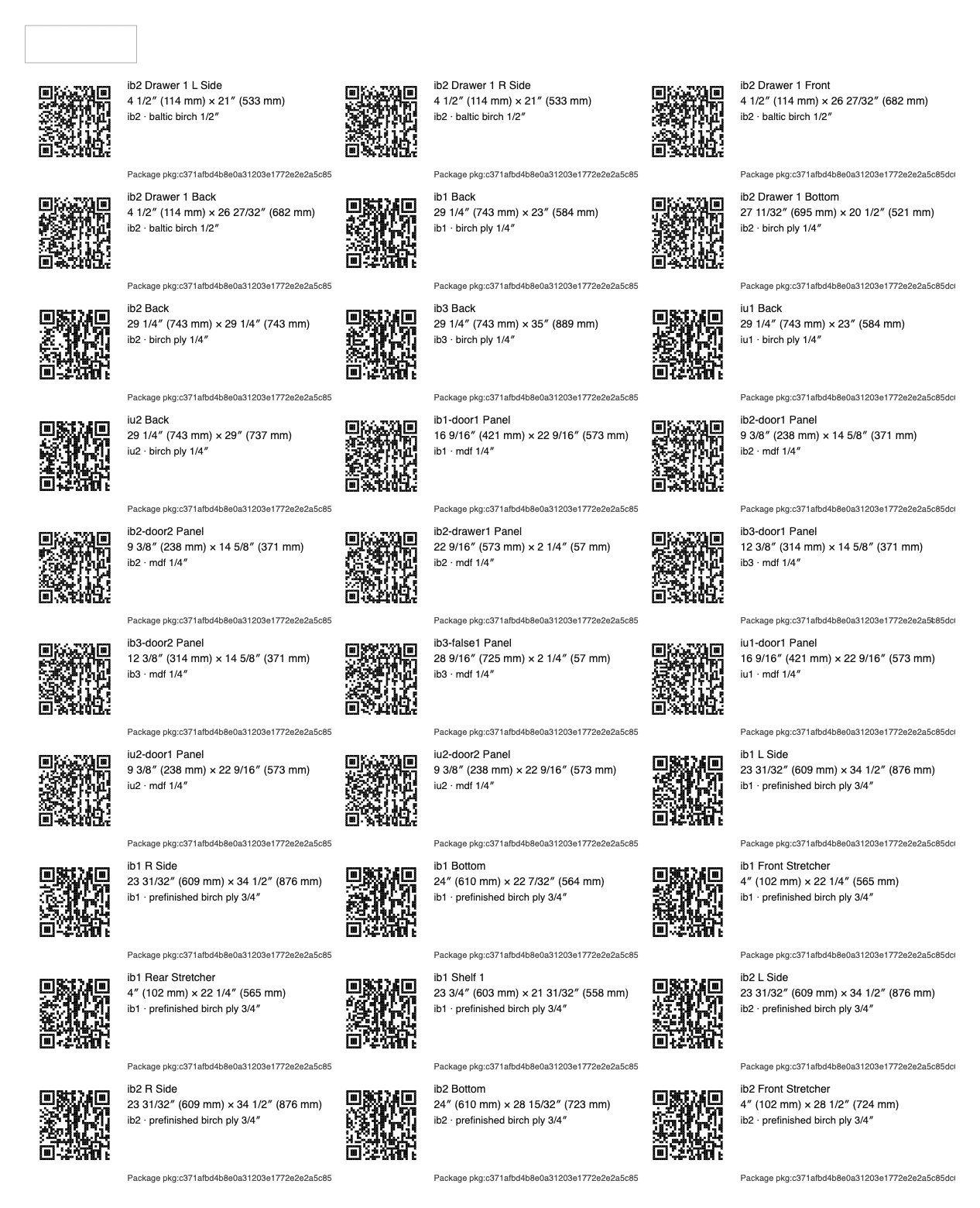
Print a QR-coded label for each part, with its cabinet, size and material, and stick it on as the part comes off the saw.
Released, not live
A job goes to the shop through a production release. A readiness check runs first and stops the release on errors; a warning needs a reason to override.
The shop pack prints from the release. If a change order replaces it, the old pack stops opening, so nobody cuts from a superseded list.
Preview before you release
Open a preview pack from any quote to check the job before the customer says yes. Every preview sheet is stamped not released for production, and the cut list, nests and labels stay out of it until the job is released. Only owners and admins can release; estimators can read the pack but not release it.
Track every part on the shop floor
The production pack opens a shop floor view that follows each part through cut, banded, bored and assembled. Bind a shop tablet as a kiosk with no login, and scan a part’s QR label or a nest sheet to record progress. The floor view shows no prices, and it queues scans when the tablet loses its connection.
- Cut, banded, bored and assembled stages
- A kiosk tablet that needs no login
- QR scans for parts and nest sheets
- No prices on the shop floor
Order, load, install and sign off
Draft purchase orders from the released job, send them, and record what the supplier acknowledges and what you receive. For delivery and install, the job has a load list, a punch list and a sign-off that the customer or your crew completes when the work is done.
Print it, or keep it as a PDF
Print the whole pack in one go, or save it as a PDF from your browser’s print dialog. Labels print from a template for the whole job, one sheet or one part, so a recut gets a new label without reprinting the job.
See a full sample in the galley kitchen shop pack, or read how to make a cabinet cut list.
Solid stock and hardware too
Sheet parts are only part of a job. Mouldings and trim are optimized on lineal stock, so the pack says how many lengths of crown and light rail to buy, and the bill of materials counts the hinges, slides and pulls. In the designer, the cut list view shows every part with its blank and finished size, grain, banding and machining, next to the nested sheets.
Made for panel-saw and table-saw shops
Parts are grouped by material and thickness, so the operator breaks down every sheet of one stock before changing to the next. Grain and banded edges are marked on each part. Every sheet carries a title block with the project, sheet number, scale, revision and package, so a page that falls on the floor still says where it belongs.
What's in the pack
- Cut list
- Numbered parts grouped by material and thickness
- Sheet layouts
- Parts nested per stock, with kerf and grain
- Solid stock
- Mouldings and trim optimized on lineal stock
- Elevations
- Printed at a true, stated scale
- Assembly
- Per-cabinet assembly sheets
- Labels
- One per part
- Title block
- Project, sheet, scale, revision and package on every sheet
- Source
- The production release, never the live design
Questions
Yes, as files for your CAM software: a DXF for each nested sheet, with parts on named layers, plus a saw CSV, downloaded from the production pack. It does not write G-code, and the printed pack still serves panel-saw and table-saw shops.
Send a change order. Once it's accepted it becomes a new release, and the superseded shop pack stops opening so the shop can't cut from an old list.
Yes. Plans and elevations snap to a true architectural scale and state it on the sheet. Sheet layouts are marked not to scale.
Owners and admins. Estimators can open the preview and production packs but cannot release them, and a job can only be released after the customer accepts the quote.
Yes. Print the shop pack and choose Save as PDF in your browser's print dialog.
Yes. Bind a shop tablet as a kiosk from the production pack and it opens the shop floor view with no login. Scanning a part's QR label records its stage, and the kiosk can be revoked at any time.