Quoting
Cabinet quoting software priced from your own numbers
The design becomes the quote. Your material prices, labor and sales tax do the math, and the customer accepts online.
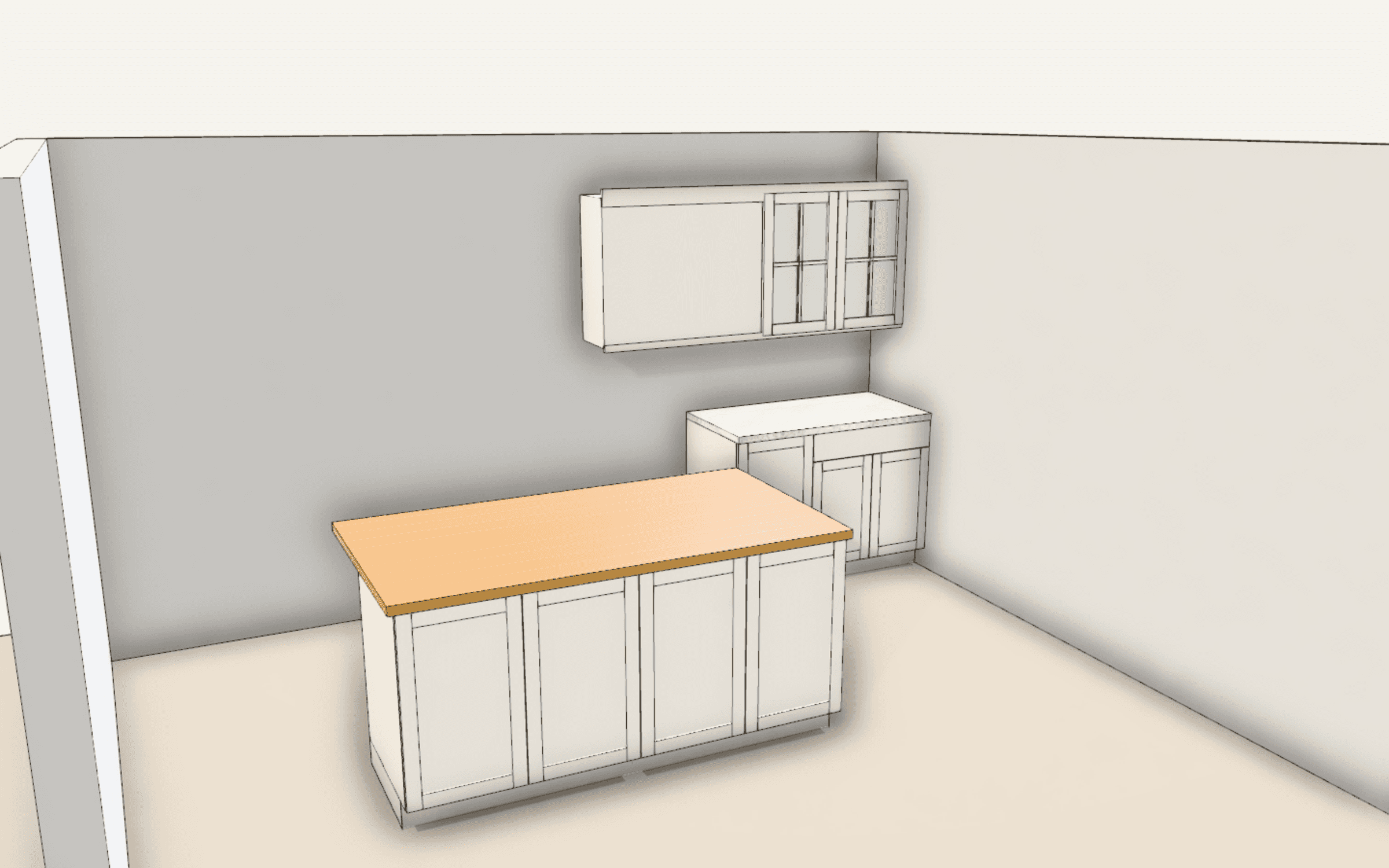
See it on real jobs: eight sample shop packs with elevations, sheet layouts and cut lists.
Your prices, not a guess
Set your material prices row by row and reset any of them to the default. Labor is estimated from the design. Set your sales tax rate once for the shop and override it per project. The designer shows a running estimate while you work.
- Material prices you edit in Settings
- Labor estimated from the parts in the design
- Shop sales tax rate with a per-project override
- Material costs visible to the estimator while reviewing a quote
A presentation the customer can say yes to
The customer gets a link to a clean presentation of their room and the price, with your payment schedule. They review it on any device and accept it online.
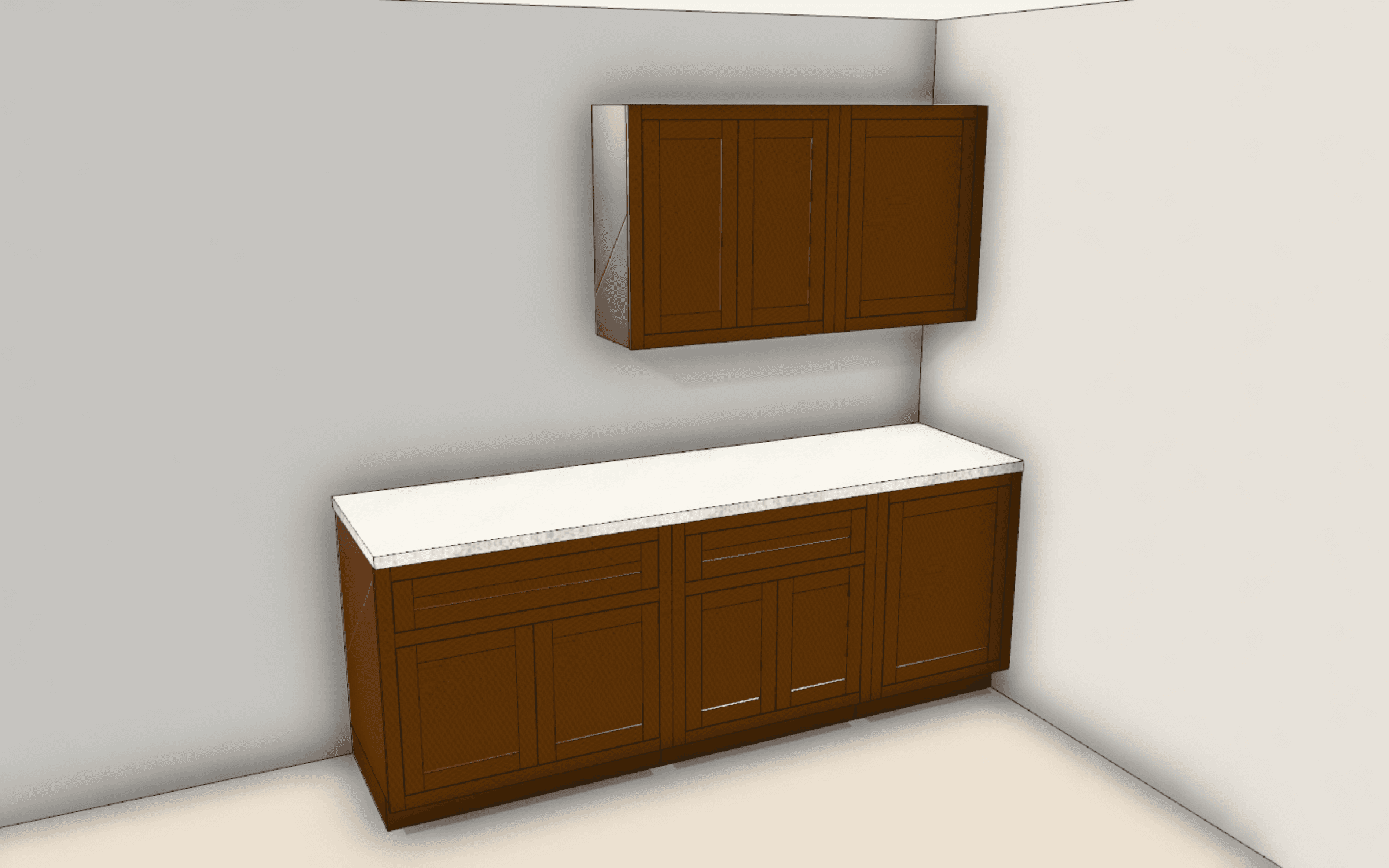
What they accepted is what you build
Sending a quote freezes the design into a job package. The shop pack prints from that package, not from whatever the design looks like today.
When something changes after acceptance, send a change order. The accepted change becomes a new release, and the shop sees what changed.
Options the customer can compare
Each design version is priced as its own option, so one quote can offer a painted shaker kitchen and a walnut slab one side by side. Mark the option you recommend, add a line for a discount or an extra, and list what is included and what is not.
For the method behind the numbers, read how to price a cabinet job.
- One option per design version
- Adjustment lines for discounts and extras
- Included and not-included lists
- A valid-until date on every quote
A payment schedule that fits the job
A new quote starts with a 40% deposit on acceptance, 30% at delivery and 30% when the install is complete. Add or change milestones to match how you work. When the customer accepts, an invoice is created for each milestone. Customers pay on a Stripe page through your own Stripe account, and you can mark an invoice paid when they pay by check.
Revise without starting over
The customer can accept, decline or ask for changes from the quote page. To change a quote you already sent, revise it: you get a new draft one version up. A quote link stops accepting signatures after its valid-until date, and every acceptance is recorded with its time and IP address.
Change orders the customer agrees to
When a job changes after the yes, write a change order with a title, a reason and a signed price adjustment, a minus sign for a credit. The customer reads it and selects I Agree or Decline. When they agree, their invoice picks up the adjustment, and the shop gets a new release to build from.
Sales tax from the job site
A quote needs a job-site address ending in its state code and a sales tax rate before it can be sent. Set your shop’s rate once and override it on a project when the job is somewhere else. If either is missing, the Quote tab says which and links to the fix, so no quote goes out with tax left off.
An estimate before there is a quote
The designer shows a running estimate from your prices while you lay out the room, so you can see what a change costs before you make it. On your website, the homeowner designer can show homeowners a price range around your own price for their design, widened by a buffer you set. A design your prices can’t cover shows no figure rather than a wrong one.
What goes into a quote
- Materials
- Your prices for every sheet, solid and hardware row
- Labor
- Estimated from the design's parts
- Sales tax
- Your shop rate, overridable per project
- Presentation
- A customer link with the room and the price
- Acceptance
- Online, with your payment schedule
- After acceptance
- Invoices with payment links, and change orders
Questions
Yes. Every material row has a price you can edit in Settings, and you can reset any row to the default. Quotes use your prices.
You set your shop's sales tax rate in Settings and can override it on a project. A quote needs a rate before it can be sent, so nothing goes out with tax missing.
Yes. After a quote is accepted you can send deposit, progress and final invoices with payment links. Payments go to your own Stripe account.
By default, a 40% deposit when the customer accepts, 30% at delivery and 30% when the install is complete. You can add milestones and change the schedule on each quote.
Yes. The quote page has Accept Quote, Request Changes and Decline. To send an updated price, revise the quote; it becomes a new version you send again.
Yes, on the valid-until date you set when you review it. After that the link can no longer be signed and tells the customer to contact you for an updated quote, so an old price never gets accepted by surprise.